# Relationships
> Meshery Relationships identify and facilitate genealogy between Components.
---
LLMS index: [llms.txt](/llms.txt)
---
Meshery Relationships characterize how [components](/concepts/logical/components/) are connected and interact with each other. Relationships are defined within [models](/concepts/logical/models/) to aid in structuring the interrelationships between one or more components in a [design](/concepts/logical/designs/) to further in comprehending the overall structure and dependencies within managed systems.
Meshery recognizes that relationships exist in various forms and that the existence of a relationship might be interdependent upon the existence (or absence) of another relationship. To support this complexity, Meshery relationships are highly expressive, characterizing the nature of interaction of interconnected components no matter their genealogy.
**Benefits of Using Meshery Relationships**
- **Improved Visibility:** Relationships provide a clear visual representation of the connections between components, making it easier to understand the system's architecture.
- **Enhanced Design:** Relationships help you make informed decisions about component selection and placement, leading to better design choices.
- **Automated Configuration:** Relationship-driven actions can automate the configuration of components, reducing manual effort and potential errors.
- **Increased Flexibility:** The use of selectors, actions, and operators provides flexibility in defining and managing relationships.
Contributor Guide to Meshery Relationships
If you want to create a new relationship definition or modify existing relationship definitions, see the [Contributing to Meshery Relationships](/project/contributing/models/relationships/) guide.
## Types of Relationships
Meshery supports different types of relationships to cater to various use cases:
- **Hierarchical Relationships:** These represent parent-child relationships between components, where one component is a dependency of another. Parent-child relationships show clear lineage, similar to a family tree (child, parent, grandparent, etc.).
- **Sibling Relationships:** These represent relationships between components that are not directly dependent on each other but may still interact or influence each other's behavior; they describe components that share a common origin but operate independently (siblings, cousins, etc.).
- **Edge Relationships:** These represent relationships that are visually depicted as edges connecting components in Meshery. Edge relationships are used to define how components interact with each other, such as network connections, bindings, or permissions. They are also used to identify interdependencies between components.
- **TagSets Relationships:** These represent relationships between components of same Labels or Annotations key/value pairs. Labels and Annotations are two different types of Tags. Labels are often used to identify components and are visible on the design canvas. Annotations are often used to provide additional information about components.
Relationships are categorized into different kinds, types, and subtypes, so that they can be expressive of the specific manner in which one or more components relate to one another. Each type of relationship can be interpreted by Meshery UI (or other [extensions](/extensions/)) and mapped to a specific visual paradigm for the given kind relationship. Let's look at some examples of these visual paradigms; let's explore examples of ways in which relationships are represented in Meshery.
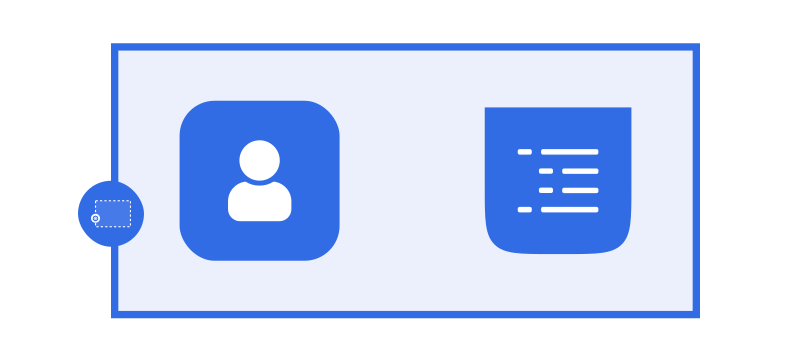
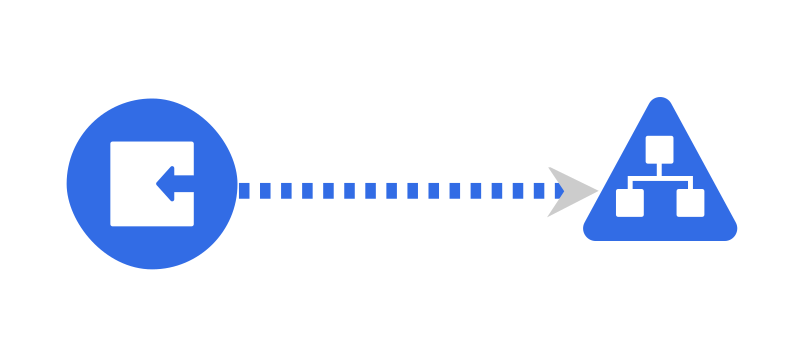
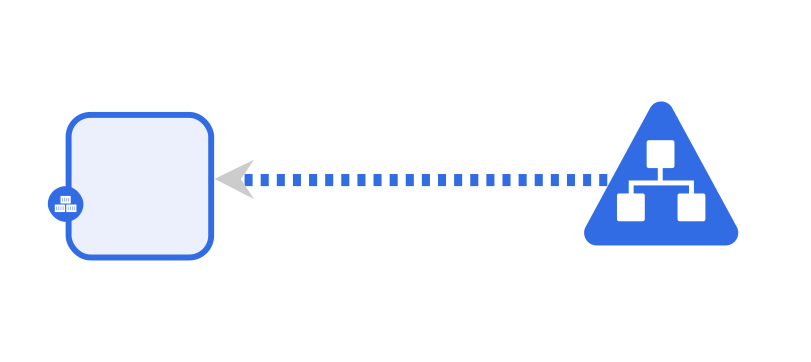
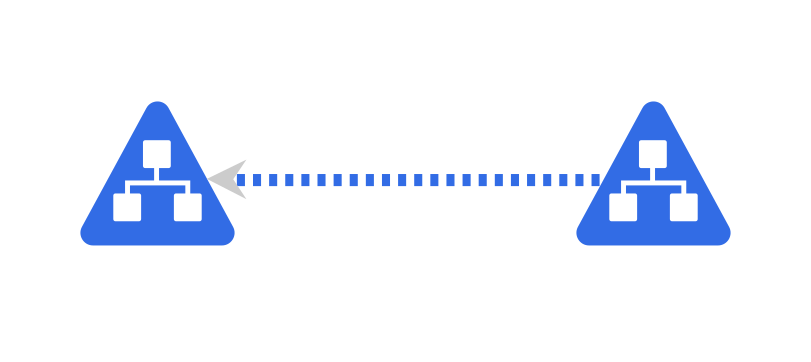
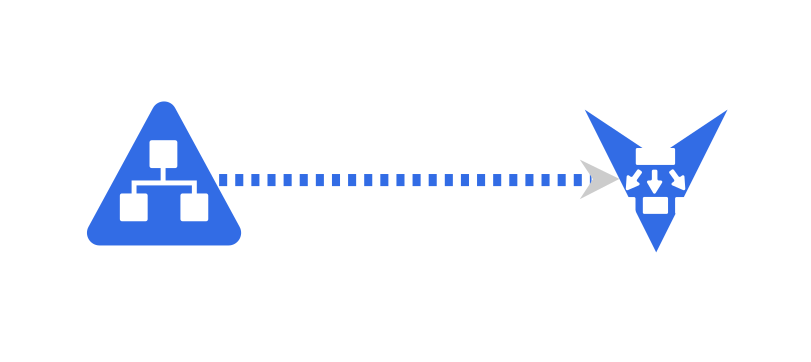
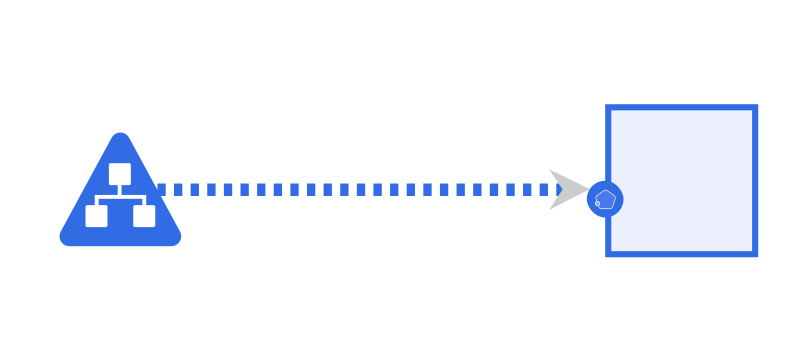
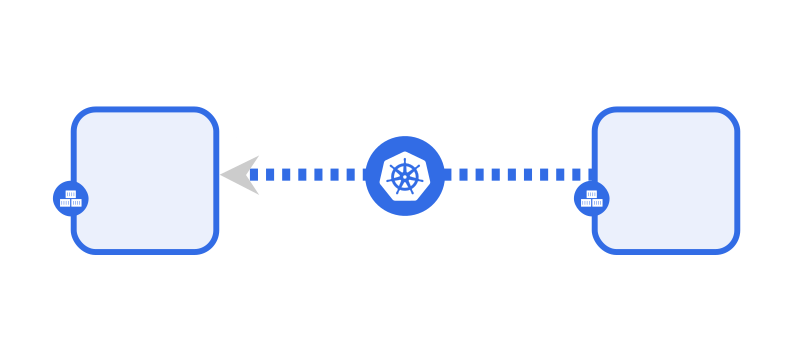
Example Visual RepresentationsKind: HierarchicalsubType: Parent | Namespace (Parent) and ConfigMap (child), Role (Child) (open in playground) subType: Inventory | Namespace and ConfigMap (open in playground)Kind: EdgeType: `Non-Binding`, subType: `Permission`: Cluster Role with Cluster Role Binding to Service Account (open in playground)Type: `Binding`, subType: `Mount`: Pod to Persistent volume via Persistent volume claim (open in playground) Type: `Non-Binding`, subType: `Network`: Ingress to Service (open in playground) Type: `Non-Binding`, subType: `Network`: Service to Pod (open in playground) Type: `Non-Binding`, subType: `Network`: Service to Service (open in playground) Type: `Non-Binding`, subType: `Network`: Service to Endpoint (open in playground) Type: `Non-Binding`, subType: `Network`: Service to Deployment (open in playground) type:non-binding, subType: `Network`: Network Policy (Pod to Pod) (open in playground)
## The Meaning of Relationships
Meshery supports a variety of relationships between components. These relationships are categorized into two types: Semantic and Non-Semantic. Relationships are categorized by whether they are meaningful in terms of how Meshery manages entities - a Semantic relationship - or are simply annotations to aid in the comprehension of you as the designer of the relationship - a Non-Semantic relationship.
### Semantic Relationships
Semantic relationships are those that are meaningful in the context of the application or infrastructure. For example, a `Service` in Kubernetes is semantically related to a `Deployment` or a `Pod`. These relationships are meaningful and are managed by Meshery.
### Non-Semantic Relationships
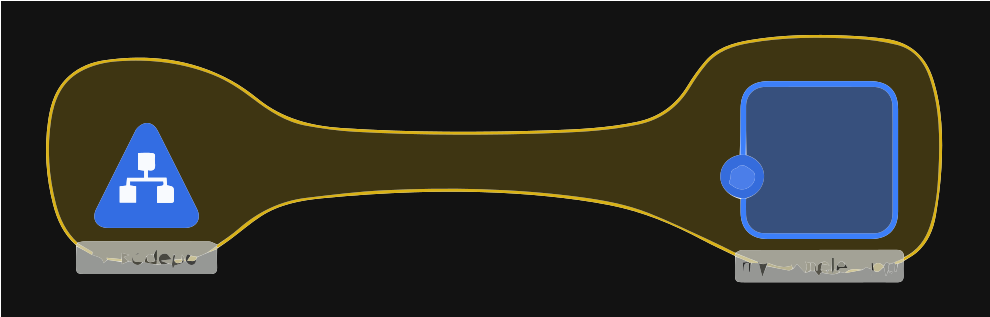
Non-semantic relationships are those that are meaningful to you as a user and your mental representation of your infrastructure and applications, but are not meaningful in terms of how Meshery evaluates the design or manages these relationships and their associated components. Non-semantic relationships are ignored by Meshery's lifecycle management engine. For example, a `Rectangle` shape that encloses other components (has a parent relationship with other child components) is not semantically meaningful to the way in which Meshery manages these resources. While the `Rectangle` shape might have a parent-child relationship with any number of Meshery-managed components, such a relationship does not implicate any management that Meshery might perform; they are not managed by Meshery.
#### Identifying Non-Semantic Relationships
The `isAnnotation` attribute of a Relationship or Component determines whether the given Relationship or Component represents a management concern for Meshery; whether the given Relationship or Component is semantically meaningful, and whose lifecycle is managed by Meshery.
## Core Concepts of Relationships
- Kinds
- Types
- Subtypes
- Selectors
- Selectors Sets
## Kind, Type, and Subtype of Relationships
The combination of `kind`, `type`, and `subType` uniquely determines the visual paradigm for a given relationship; i.e., relationships with the same `kind`, `type`, and `subType` will share an identical visual representation regardless of the specific components involved in the relationship.
`kind` is a schema enum (`hierarchical`, `edge`, `sibling`). `type` and `subType` are open strings. Established combinations:
| kind | type | subType | Meaning |
|---|---|---|---|
| `edge` | `non-binding` | `network` | Documented network selection (Service → Deployment) |
| `edge` | `binding` | `network` | Connecting provisions or rewrites network identity (rare) |
| `edge` | `binding` | `mount` | Storage or device attachment (PVC → Pod) |
| `edge` | `binding` | `permission` | Assigns identities (Role → ServiceAccount) |
| `edge` | `non-binding` | `permission` | Mentions a role or identity without binding it |
| `edge` | `non-binding` | `firewall` | Policy that allows or denies traffic (NetworkPolicy → Pod) |
| `edge` | `non-binding` | `reference` | Logical name/id pointer (Deployment → ConfigMap) |
| `edge` | `non-binding` | `annotation` | Designer-only connection (`metadata.isAnnotation: true`) |
| `edge` | `non-binding` | `alias` | Named stand-in, not nested ownership |
| `edge` | `non-binding` | `inventory` | Rare peer index; prefer hierarchical parent inventory for containment |
| `hierarchical` | `parent` | `inventory` | Parent contains/scopes children; the parent's identity is patched onto each child (Namespace onto namespaced resources) |
| `hierarchical` | `parent` | `wallet` | Child configuration is patched into the parent (WASMFilter → EnvoyFilter) |
| `hierarchical` | `parent` | `alias` | Child is a nested object inside the parent (Container → Pod) |
| `hierarchical` | `sibling` | `matchlabels` | In-tree tagsets encoding (shared labels). Schema also allows `kind: sibling`. |
The schema lives in [meshery/schemas](https://github.com/meshery/schemas/tree/master/schemas/constructs/v1beta3/relationship) (`relationships.meshery.io/v1beta3`). In-tree definitions under `models/**/relationships/` are still mostly `v1beta2`; the version shapes are compatible, and Meshery Server bridges registered definitions to the `v1beta2` shape for its policy engine. Registration on current releases accepts `v1beta2`/`v1alpha3` documents, with `v1beta3` acceptance arriving via [meshkit#1096](https://github.com/meshery/meshkit/pull/1096). See [Contributing to Relationships](/project/contributing/models/relationships/) for how to author definitions, including `mutatorRef` and `mutatedRef`.
### 1. Edge - Network
This Relationship type configures the networking between one or more components.
**Examples**: An `edge` / `non-binding` / `network` relationship between a Service and a Deployment, or between an Ingress and a Service.
- Example 1) Service --> Deployment
- Example 2) IngressController --> Ingress --> Service
Visual Representation of Edge-Network Relationships 1. Edge - Network: Ingress to Service (open in playground)2. Edge - Network: Service to Pod (open in playground)3. Edge - Network: Service to Service (open in playground)4. Edge - Network: Service to Endpoint (open in playground)5. Edge - Network: Service to Deployment (open in playground)
### 2. Edge - Mount
**Example**: Assignment of PersistentVolumes to Pods via PersistentVolumeClaim.
- Example 1) Pod --> PersistentVolumeClaim --> PersistentVolume
Visual Representation of Edge-Mount Relationship
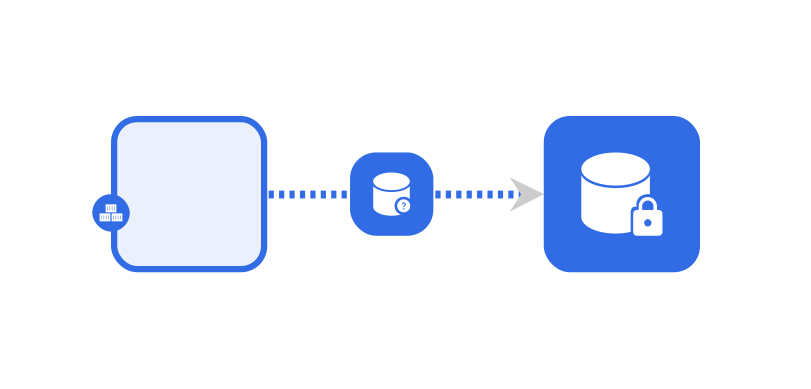
Edge - Mount: Pod and Persistent volume via Persistent volume claim (open in playground)
### 3. Edge - Permission
**Example**: The set of Service Accounts that are entitled with the one or more Roles/ClusterRoles bound via Role/ClusterRoleBinding.
- Example 1) ClusterRole --> ClusterRoleBinding --> ServiceAccount
- Example 2) Role --> RoleBinding --> ServiceAccount
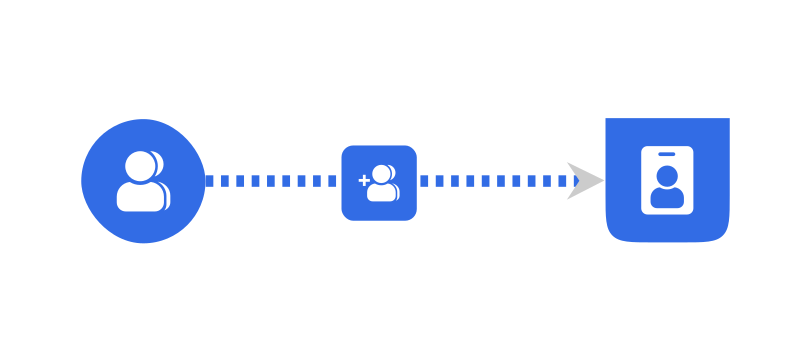
Visual Representation of Edge-Permission Relationship 1. Edge - Permission: Cluster Role to Service Account (open in playground)
### 4. Edge - Firewall
Kubernetes Network Policy for controlling ingress and egress traffic from Pod-to-Pod
- Example 1) Pod --> NetworkPolicy --> Pod
Visual Representation of Edge-Firewall Relationship Edge - Firewall: Pod to Pod (open in playground)
### 5. Edge - Reference
Logical or declarative links between components where one component refers to another by name, identifier, type, or scope.
- Example 1) Pod --> ConfigMap (via envFrom)
- Example 2) Pod --> Secret (via volumes)
Visual Representation of Edge-Reference Relationship
The Edge-Reference relationship type represents a logical or declarative link between two components, where one component refers to another by name, identifier, type, or scope. This relationship allows components to dynamically locate, associate with, or depend on other components without being tightly coupled to them. It forms the basis for indirect communication, configuration reuse, ownership tracking, and dependency resolution in distributed systems.
This type of relationship does not directly provide communication, access, or permission, but enables such interactions by declaring intent or pointing to another component.
Edge - Reference: Pod to ConfigMap and Secret (open in playground)
### 6. Hierarchical - Parent - Wallet
**Example**
- Example 1) (binary and configuration) --> IstioWASMPlugin
- Example 2) WASMFilter (binary and configuration) --> IstioEnvoyFilter
Visual Representation of Hierarchical-Parent-Wallet Relationship 1. Hierarchical-Parent-Wallet: WASMFilter and IstioEnvoyFilter (open in playground)
### 7. Hierarchical - Parent - Inventory
**Example**:
- Example 1) Any namespaced Kubernetes component --> Kubernetes Namespace
Visual Representation of Hierarchical-Parent Relationship 1. Hierarchical - Parent: Namespace (Parent) and ConfigMap (child), Role (Child) (open in playground)
### 8. Match - Labels (Tagsets)
This relationship type defines the associations between components based on shared Labels or Annotations. In-tree Kubernetes models encode it as `kind: hierarchical`, `type: sibling`, `subType: matchlabels`. The schema `kind` enum also includes `sibling`; do not mix the two encodings in the same model.
**Example**: A label-based tag-set relationship between a NodePort service and an application.
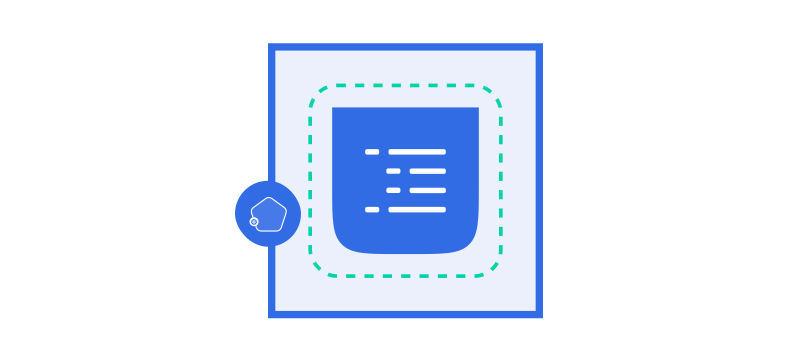
Visual Representation of Tag-Sets Relationship Tag-Set: Service and Deployment that share the same label (open in playground)
### 9. Edge - Annotation
This relationship depicts connections between components without conveying specific semantic meaning.
**Example**: Demonstration of connections between AWS components.
Visual Representation of Edge - Annotation Relationship Edge - Annotation: Relationship between AWS components (open in playground)
## Actions: mutatorRef and mutatedRef
When a relationship is semantic, matching components can copy values from one to the other.
- `mutatorRef` is the **source**: a nested array of path segments from which the value is read.
- `mutatedRef` is the **sink**: a nested array of path segments to patch.
- The two sequences must be the same length. Index `i` of `mutatorRef` is copied onto index `i` of `mutatedRef`.
- `patchStrategy` controls how the copy is applied (`merge`, `strategic`, `add`, `remove`, `replace`, `copy`, `move`, `test`). The in-tree corpus uses `replace` exclusively.
For hierarchical relationships, `from` is the child and `to` is the parent. Inventory patches parent identity onto the child. Alias and wallet patch child configuration into the parent.
See [Contributing to Relationships](/project/contributing/models/relationships/) for path rules and examples.
## Selectors in Relationships
In Meshery, a selector specifies which components participate in a relationship. The field name is `selectors` (an array of selector-set items). Items in the array are OR; inside one item, every `from` entry relates to every `to` entry - a cross-product.
Here are examples of pairs that share a visual paradigm. The ConfigMap pairs are **edge / non-binding / reference**. The WASMFilter pair is **hierarchical / parent / wallet**, not inventory.
Model Component
Kind / Type / SubType
Model Component
Kubernetes ConfigMap
edge / non-binding / reference
Kubernetes Pod
Kubernetes ConfigMap
edge / non-binding / reference
Kubernetes Deployment
Meshery WASMFilter
hierarchical / parent / wallet
Istio EnvoyFilter
A snippet of the selector backing the ConfigMap → Pod reference is listed below.
Example Relationship Selector
The snippet allows an edge-reference relationship from a Kubernetes ConfigMap to a Kubernetes Pod: the ConfigMap name (mutator) is written into the Pod's `envFrom.configMapRef.name` (mutated).
## Relationship Evaluation
Meshery employs a policy-driven approach to evaluate relationships between components. This evaluation helps in:
- Determining compatible components for establishing relationships
- Suggesting potential relationships based on the current design
- Validating existing relationships and identifying potential conflicts
- Automating the configuration of components based on established relationships
Each invocation of the evaluation process attempts to recursively evaluate the design until it reaches a stable state—i.e., no further changes are detected. If a bug in the evaluation policies causes non-terminating behavior (such as endlessly generating new components), the evaluation will be forcibly stopped after a configurable maximum depth (e.g., 5 iterations), and an error will be raised.
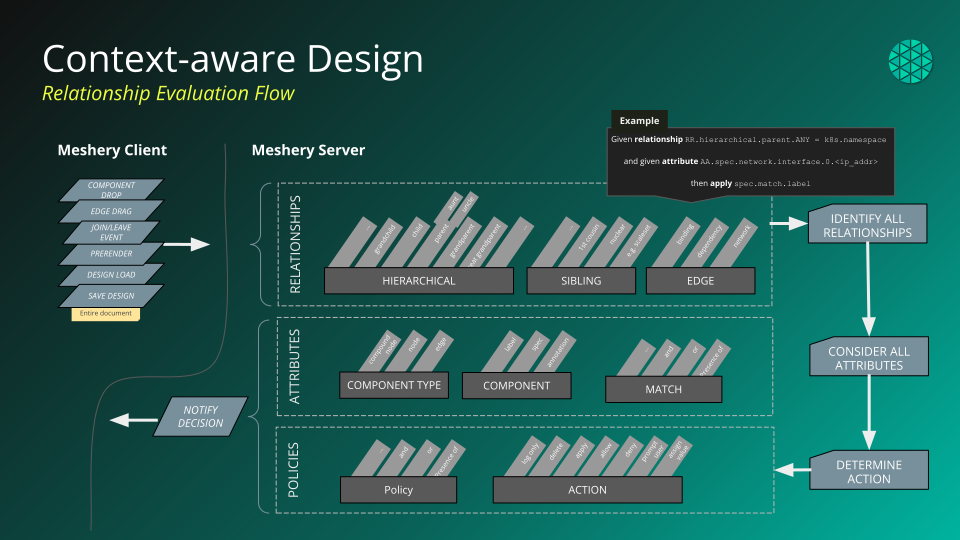
During evaluation, in addition to the input design, the evaluation engine has access to all relationships stored in the registry. These relationships serve as the source of truth for policies to validate existing relationships or identify new ones. Since relationships can be associated with different models, not all of them are relevant to a given design. To ensure efficiency, the evaluation process intelligently filters the registered relationships, retaining only those that directly impact the design.
Currently, the filtering logic includes only relationships from models that are already part of the design. For example, if the design consists solely of Kubernetes components, relationships from the AWS model will not be loaded for evaluation.
Beyond this automatic filtering, relationship evaluation can also be selectively disabled within the design. This is achieved by setting preferences to false for specific relationship categories, defined by their kind, type, and subtype.
### How Relationships are formed?
1. You can create relationships manually by using the edge handles, bringing related components to close proximity or dragging a component inside other component. It may happen that, you created a relationship from the UI, but the Policy Engine rejected or overrode the decision if all the constraints for a particular relationship are not satisfied.
2. Relationships are automatically created when a component's configuration is modified in a way that relationship criteria is satisfied.
Explore an example relationship
To explore an example of this behavior, see the [Example Edge-Permission Relationship](https://meshery.io/catalog/deployment/example-edge-permission-relationship-7dd39d30-7b14-4f9f-a66c-06ba3e5000fa.html) and follow the steps written in its description.
When the relationships are created by the user, almost in all cases the config of the involved components are patched. To see the specifics of patching refer [Patch Strategies](#patch-strategies).
Designs are evaluated by the [Policy Engine](/concepts/logical/policies/) for potential relationships.
### Patch Strategies
Patches in Meshery relationships utilize strategies and references (mutatorRef/mutatedRef) for the from and to fields. These convey the property path that will be updated as the relationship is created.
### Caveats and Considerations
1. If the user creates a `Hierarchical Inventory` relationship between `Pod`, `Job`, and any other high-level Kubernetes resources like `Deployment`, `StatefulSet`, or `CronJobs`, after the relationship has been established unfortunately, there's no system to remove the extra pod configuration automatically.
If the design is not configured with `labels` `selectors` and `replicas` appropriately, there's a possibility of additional resources getting provisioned when deployed. e.g., The relationship between a Pod and deployment can result in 2 Pods (1 pod coming as part of deployment resource) and 1 Deployment. It's important to be aware of this possibility and manage configurations carefully to avoid unexpected issues during deployment
# Itemizing your Relationship Definitions in your Meshery deployment
In any given Meshery deployment, you can reference and search the full set of registered relationships (in Meshery's internal registry) using either of Meshery's client interfaces.
**Meshery UI**
- Visit _Settings_ --> _Registry_
**Meshery CLI**
- Run `mesheryctl relationship list`