Mesheryctl system commands
mesheryctl system commands manage the Meshery deployment described by your current context. The commands follow the pattern mesheryctl system <command> [subcommand] [flags]. Every system command also accepts:
-c, --context <name>to act on a different context for this one command.-y, --yesto answer yes to every confirmation prompt, which is useful in scripts.
This page shows the commands you use most. For every flag, see the mesheryctl system reference.
Start, stop, and restart Meshery
start
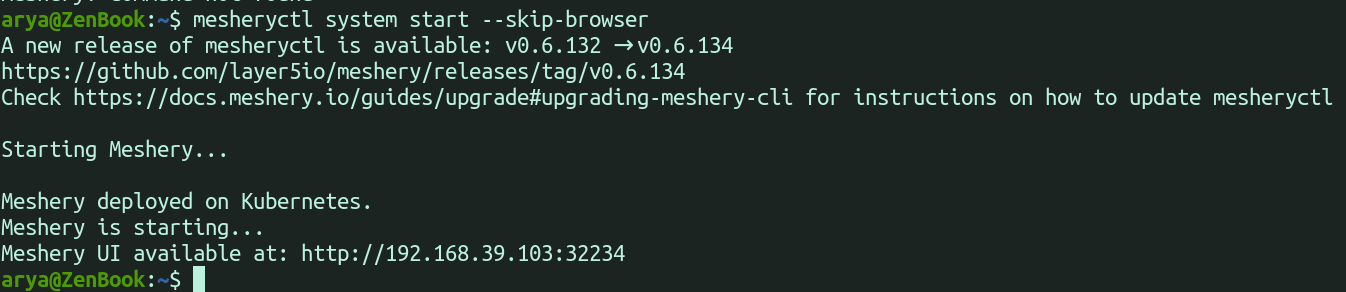
mesheryctl system start deploys Meshery to the platform in your current context and opens Meshery UI in your default browser.

| Flag | What it does |
|---|---|
--skip-browser | Prints the Meshery UI URL instead of opening a browser. |
--skip-update | Skips pulling newer Meshery container images. |
--reset | Resets your meshconfig to its default settings before starting. |
-p, --platform <docker|kubernetes> | Deploys to this platform instead of the one in your context. |
--provider <name> | Enforces this provider instead of the one in your context. |

stop
mesheryctl system stop stops Meshery. On Docker, it stops the Meshery containers. On Kubernetes, it uninstalls the Meshery Helm releases and then deletes the meshery namespace.

| Flag | What it does |
|---|---|
--keep-namespace | Keeps the meshery namespace on Kubernetes. |
--reset | Resets your meshconfig to its default settings after stopping. |
--force | Removes Meshery resources even when a normal stop fails or Meshery does not appear to be running. Use it only when mesheryctl system stop cannot stop Meshery. |


restart
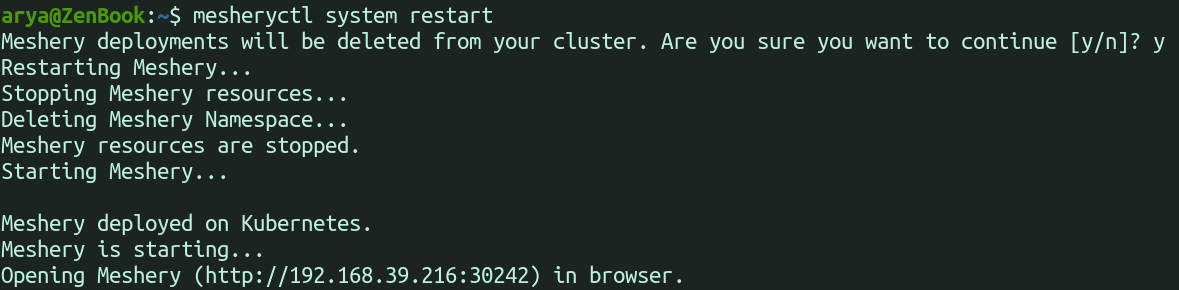
mesheryctl system restart runs stop and then start. Add --skip-update to skip pulling newer images, or --provider <name> to enforce a provider.
delete
mesheryctl system delete removes the Meshery containers that Docker Compose created. It applies to Docker deployments only.
Update and reset Meshery
update
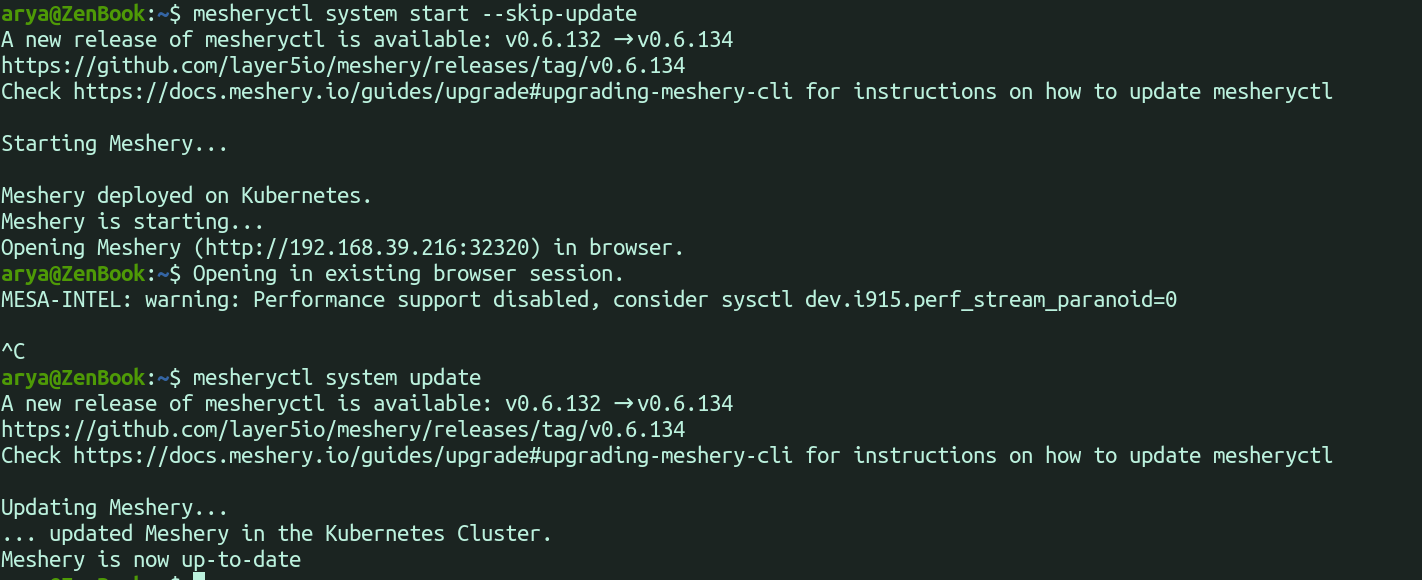
mesheryctl system update pulls new Meshery container images and, on Kubernetes, upgrades Meshery to the latest Helm chart for your channel. It updates Meshery Server and its components, not mesheryctl itself. Add --skip-reset to keep your current manifests and skip the chart upgrade.
reset
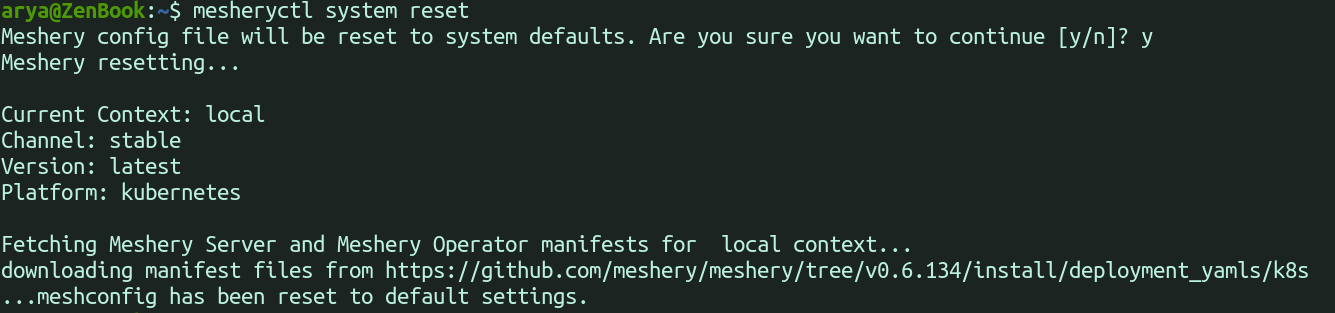
mesheryctl system reset resets the current context in your meshconfig to the default settings. It keeps the context’s platform, and it asks for confirmation unless you pass -y.
Inspect a running deployment
status
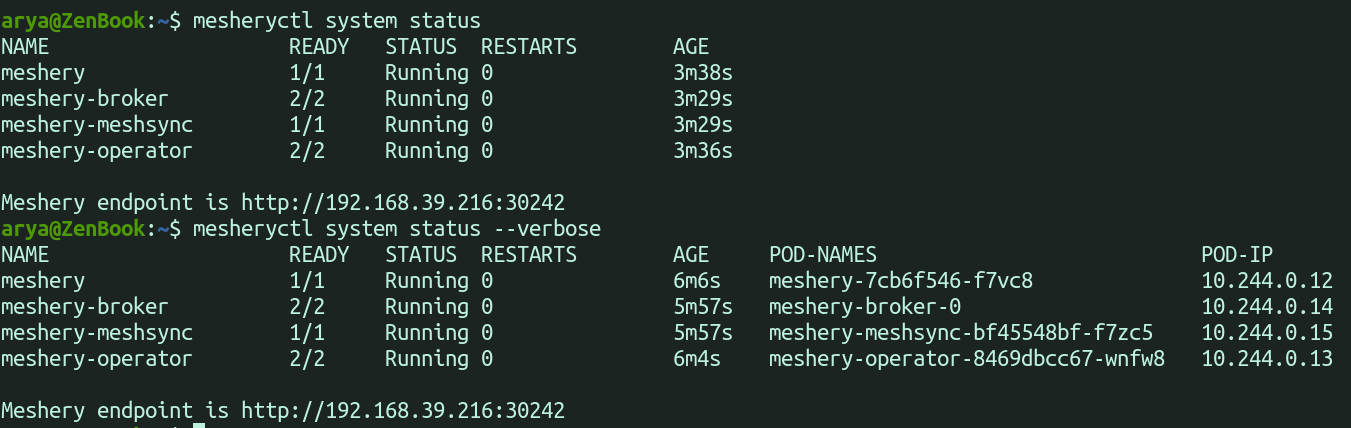
mesheryctl system status lists Meshery’s containers or pods and their state. Add -v (--verbose) to show more columns.
logs
mesheryctl system logs prints Meshery Server’s logs. Add -f (--follow) to keep streaming them, or pass a component name, for example mesheryctl system logs meshery-istio.
dashboard
mesheryctl system dashboard opens Meshery UI in your default browser.

| Flag | What it does |
|---|---|
--skip-browser | Prints the Meshery UI URL instead of opening a browser. |
--port-forward | Kubernetes only. Forwards a local port to the Meshery Server pod, for clusters where the Meshery service is not reachable from your machine. |
-p, --port <port> | The local port to forward from with --port-forward. The default is 9081. |


check
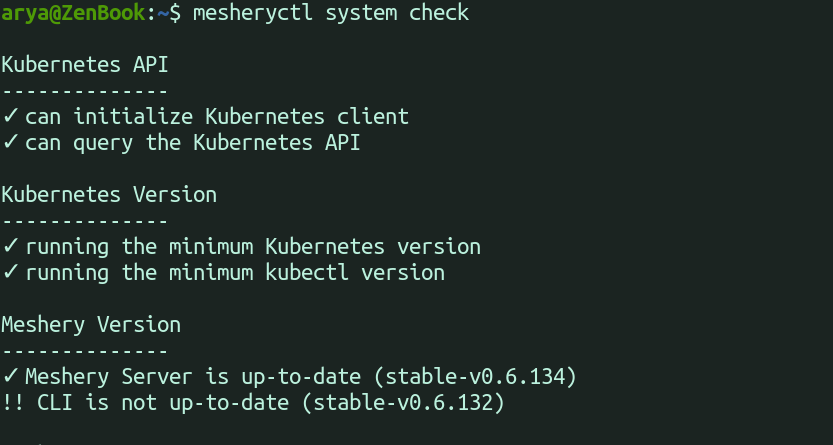
mesheryctl system check runs health checks on your environment and your Meshery deployment. See Running system checks for what each check covers.
| Flag | What it does |
|---|---|
--preflight (or --pre) | Checks that your machine is ready to deploy Meshery. |
--components | Checks the Meshery Adapters registered with Meshery Server. |
--adapters | Same as --components. |
--adapter <name> | Checks one adapter, for example meshery-istio or meshery-istio:10000. |
--operator | Kubernetes only. Checks Meshery Operator, MeshSync, and Meshery Broker. |
Authenticate
mesheryctl system login gets a token from a provider, and mesheryctl system logout removes it. Use -p <provider> to skip the provider prompt. See Authenticating Meshery via CLI.

mesheryctl system token manages the token entries in your meshconfig: create, delete, list, set, and view.
Choose a release channel
| Command | What it does |
|---|---|
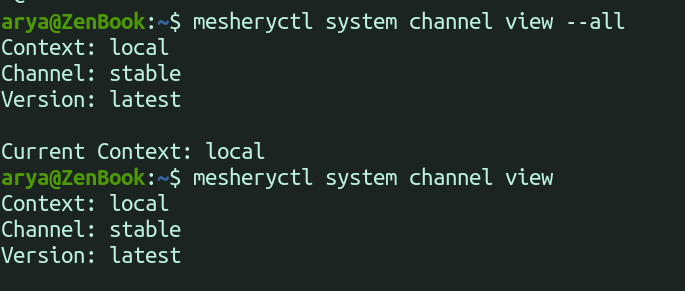
mesheryctl system channel view | Shows the current context’s channel and version. Add -a (--all) for every context. |
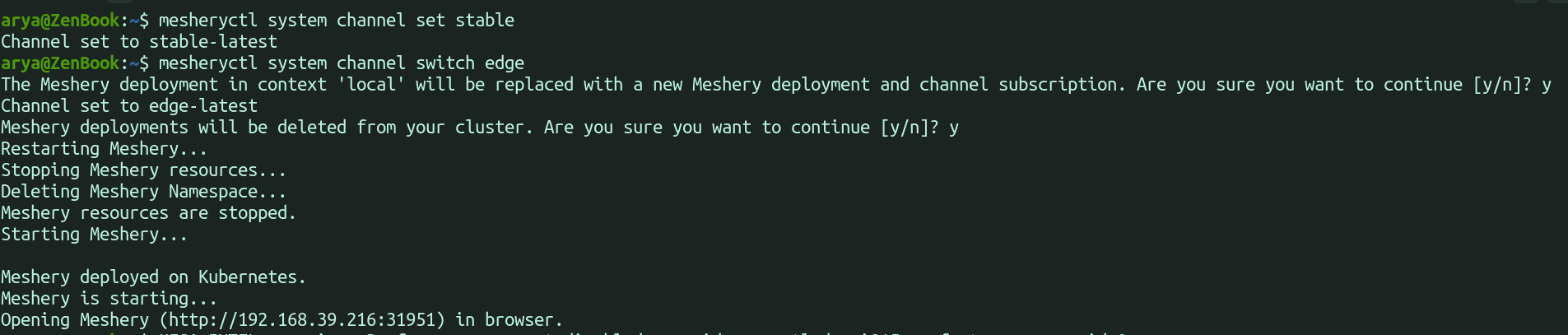
mesheryctl system channel set <channel> | Sets the channel for the current context. The channel is stable, stable-<version> (for example stable-v0.9.2), edge, or edge-latest. |
mesheryctl system channel switch <channel> | Sets the channel and redeploys Meshery on it. |
Manage contexts
| Command | What it does |
|---|---|
mesheryctl system context create <name> | Creates a context with default settings. |
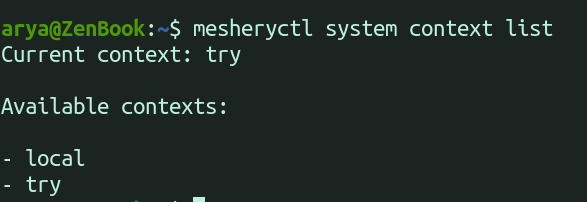
mesheryctl system context list | Lists your contexts and marks the current one. |
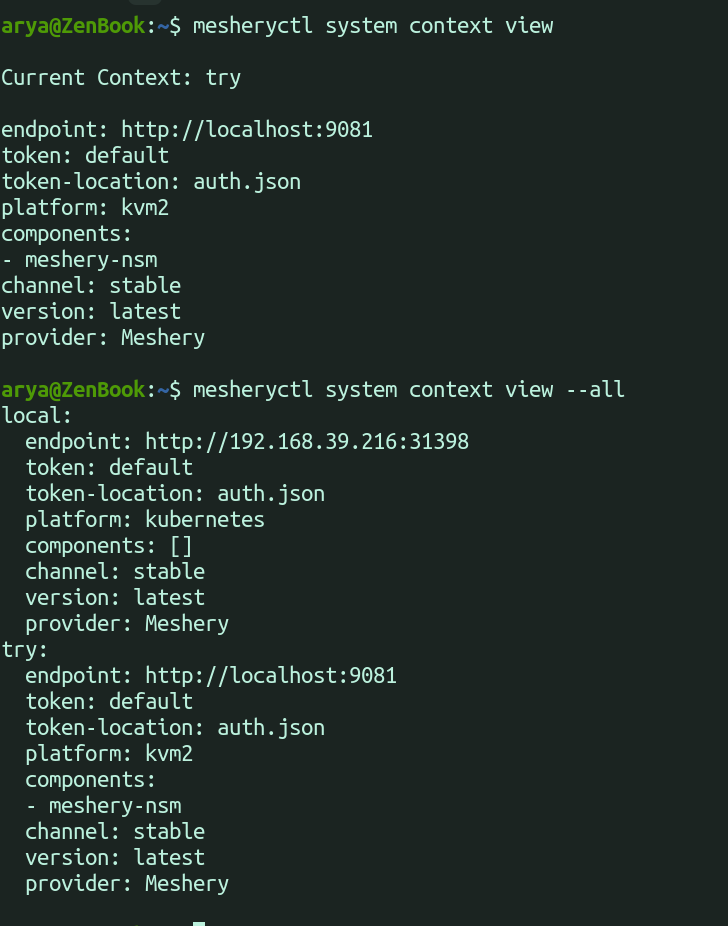
mesheryctl system context view [name] | Shows a context’s settings. Add --all for every context. |
mesheryctl system context switch <name> | Makes another context current. |
mesheryctl system context delete <name> | Deletes a context. Add -s <name> to choose the new current context. |
context create accepts these flags:
-u, --url <url>sets the Meshery Server URL. The default ishttp://localhost:9081.-p, --platform <docker|kubernetes>sets the platform.-a, --components <adapter>adds a Meshery Adapter to deploy. Repeat it for each adapter.--provider <name>enforces a provider.-s, --setmakes the new context current.



Choose a provider
| Command | What it does |
|---|---|
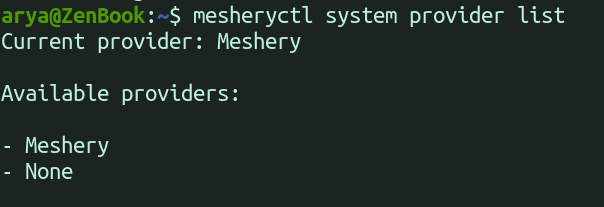
mesheryctl system provider list | Lists the providers Meshery Server offers and the current one. |
mesheryctl system provider view | Shows the provider of the current context. Add -a (--all) for every context. |
mesheryctl system provider set <provider> | Enforces a provider for the current context. Add -f (--force) to skip the check that the provider exists. |
mesheryctl system provider switch <provider> | Enforces a provider and redeploys Meshery. |
mesheryctl system provider reset | Clears the enforced provider so that Meshery UI asks you to choose one on its next start. |