Interpreting Performance Test Results
When a performance test finishes, Meshery analyzes the results and stores them under the test’s profile in the Cloud Native Performance (SMP) format. You can view, download, and compare them.
Read a result
Open Performance → Profiles, open a profile, and select a result. The chart shows the latency distribution as a histogram, with the percentiles (such as p50, p90, and p99) and the achieved queries per second.
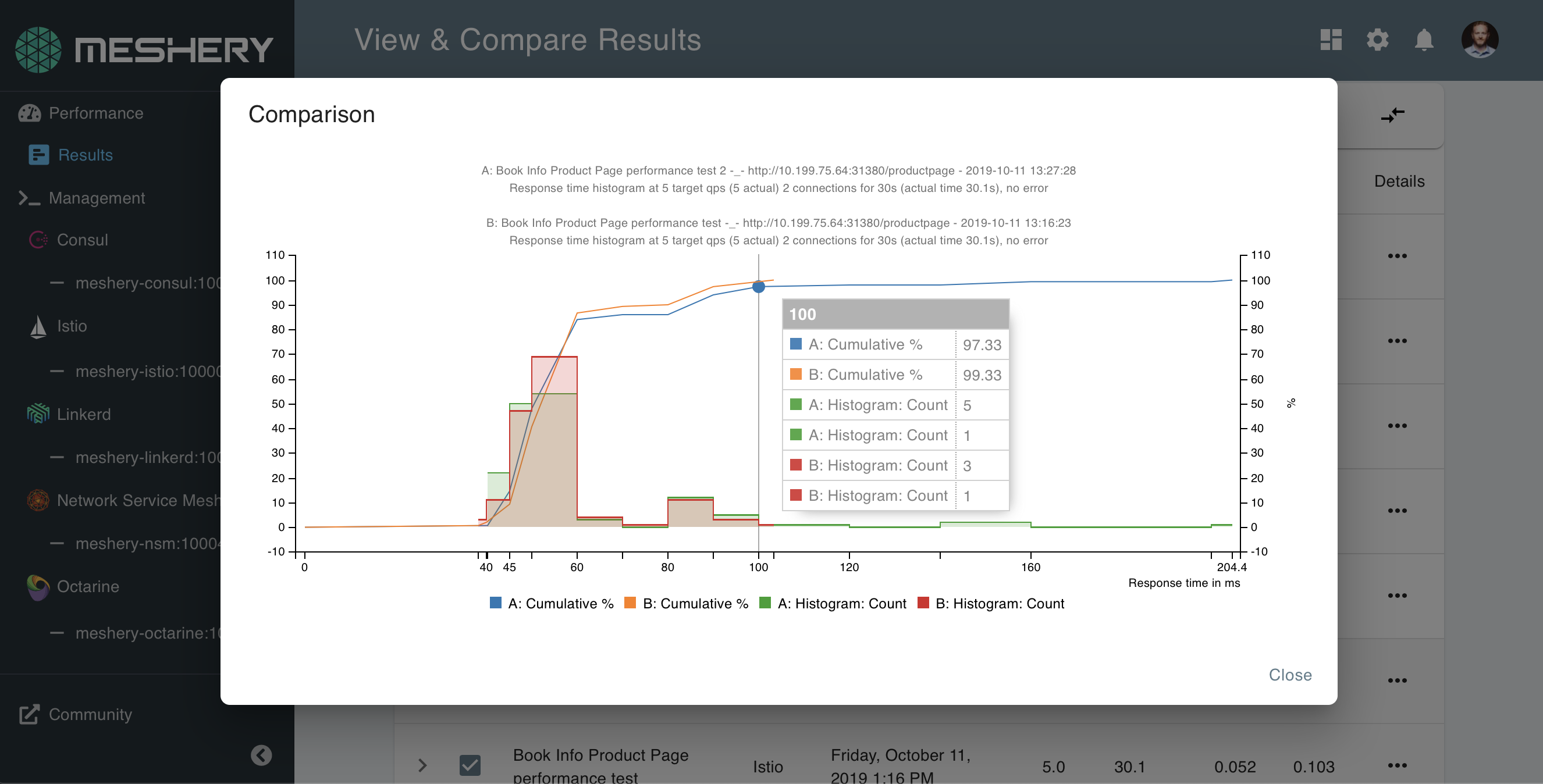
Latency and throughput are the two signals to examine first. A rising p99 with a steady p50 usually points to contention or queuing that affects only some requests.
Compare results
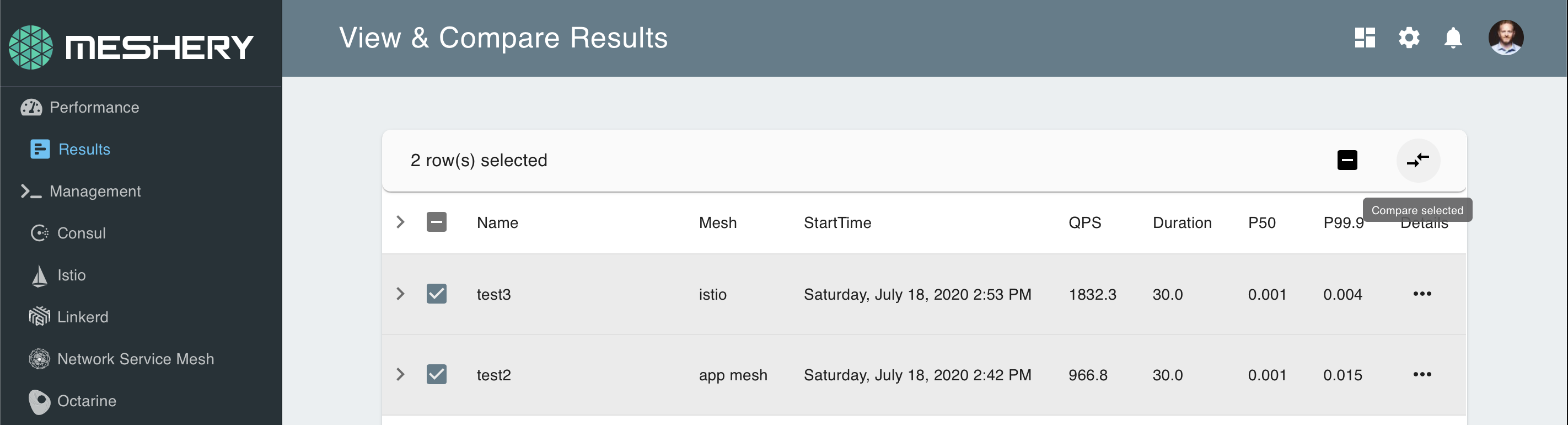
Compare tests that share a similar configuration. Tests with very different settings, for example one that ran for 5 minutes and another that ran for an hour, produce comparisons that are hard to draw conclusions from. To compare, select two or more results and choose Compare selected.
Meshery calculates results with the load generator that ran the test, so compare results from the same load generator.