Contributing to Relationships
Relationships follow a schema-defined structure. The Relationship schema (relationships.meshery.io/v1beta3) is the single source of truth for how relationships between components are expressed. The in-tree corpus under models/**/relationships/ is still mostly v1beta2. The version shapes are compatible - Meshery Server bridges registered definitions to the v1beta2 shape for its policy engine - but registration on current releases accepts only v1beta2/v1alpha3 documents (meshkit#1096 adds v1beta3), so a definition that must register today declares v1beta2. Refer to the schema when defining new relationship types or selectors. See Contributing to Schemas for details.
Coding agents: use the gen-relationship skill in .agents/skills/gen-relationship/ (one example of every canonical kind / type / subType).
Relationships within Models classify how Components relate and whether they affect each other.
Overview of Steps to Create Relationships
Prework:
Development:
Postwork:
Prework
1. Characterize the relationship and any specific constraints
Using your domain expertise, define the qualities of this new relationship. Identify and qualify any specific constraints to be enforced between one or more specific components within the same or different models.
For example, a Kubernetes Service can have a network relationship with a Kubernetes Deployment. That is kind: edge, type: non-binding, subType: network.
Relationship Example
{
  "id": "00000000-0000-0000-0000-000000000000",
  "schemaVersion": "relationships.meshery.io/v1beta3",
  "version": "v1.0.0",
  "kind": "edge",
  "type": "non-binding",
  "subType": "network",
  "status": "enabled",
  "evaluationQuery": "",
  "metadata": {
    "description": "A Service selects Pods of a Deployment."
  },
  "model": {
    "id": "00000000-0000-0000-0000-000000000000",
    "name": "kubernetes",
    "version": "v1.0.0",
    "displayName": "kubernetes",
    "registrant": { "kind": "github" },
    "model": { "version": "" }
  },
  "selectors": [
    {
      "allow": {
        "from": [
          {
            "kind": "Service",
            "model": { "name": "kubernetes" }
          }
        ],
        "to": [
          {
            "kind": "Deployment",
            "model": { "name": "kubernetes" }
          }
        ]
      },
      "deny": {
        "from": [],
        "to": []
      }
    }
  ]
}
You might also know that this relationship should not form when the destination is not a workload the Service can select. Encode that with deny in the same selector-set item.
Codify relationships using your domain expertise. The kind, type, and subType together pick both the visual paradigm and the evaluation policy.
Kind, type, and subType
kind is a schema enum: hierarchical, edge, or sibling. type and subType are open strings. Use an established combination rather than inventing one.
| kind | type | subType | Meaning |
|---|---|---|---|
hierarchical | parent | inventory | Parent contains/scopes children. Parent identity is patched onto the child: the Namespace’s name lands in each namespaced resource’s metadata.namespace. |
hierarchical | parent | alias | Child is a nested object inside the parent (Container inside Pod). |
hierarchical | parent | wallet | Child configuration is held/patched into the parent (WASMFilter → EnvoyFilter). |
hierarchical | sibling | matchlabels | In-tree tagsets encoding. Components that share labels. Schema also allows kind: sibling; do not mix encodings in one model. |
edge | non-binding | reference | Logical name/id pointer (Deployment → ConfigMap). |
edge | non-binding | network | Documented network selection without provisioning an attachment (Service → Deployment). |
edge | binding | network | Connecting provisions or rewrites network identity. Rare. |
edge | non-binding | firewall | Policy that allows or denies traffic (NetworkPolicy → Pod). |
edge | binding | permission | Assigns identities (Role → ServiceAccount). |
edge | non-binding | permission | Mentions a role or identity without binding it. |
edge | binding | mount | Storage or device is attached (PVC → Pod). |
edge | non-binding | annotation | Designer-only line. Set metadata.isAnnotation: true. No patch. |
edge | non-binding | alias | Named stand-in, not nested ownership. |
edge | non-binding | inventory | Rare peer index/list. Prefer hierarchical parent inventory for containment. |
badge is a visual paradigm only; there is no in-tree encoding. Propose a visualization before introducing subType: badge.
Hierarchical from / to: from is the child, to is the parent.
- Inventory: parent mutates the child.
- Alias and wallet: child mutates the parent.
Binding vs non-binding: binding means forming the relationship assigns, mounts, or entitles. non-binding means the link is real (selector, name, policy match) but does not itself provision the attachment.
2. Classify relationship type and specify visual representation
Browse and pick the most appropriate visualization for this relationship by using one of the predefined relationship visualizations.
Example Visual Representations
Kind: Hierarchical
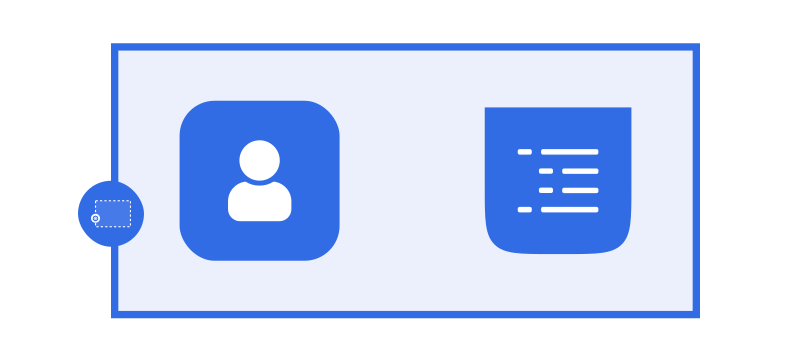
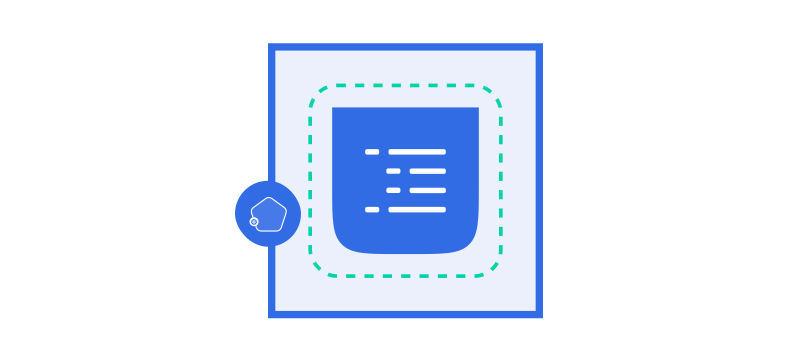
Kind: Edge
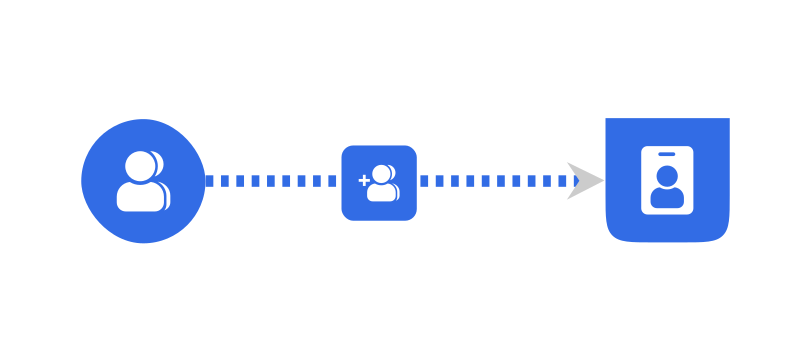
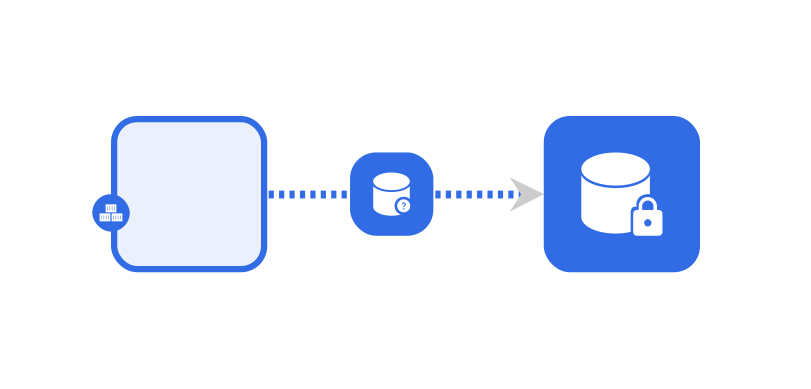
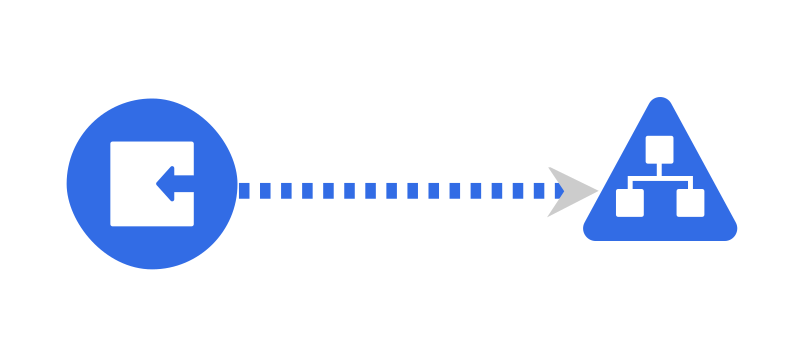
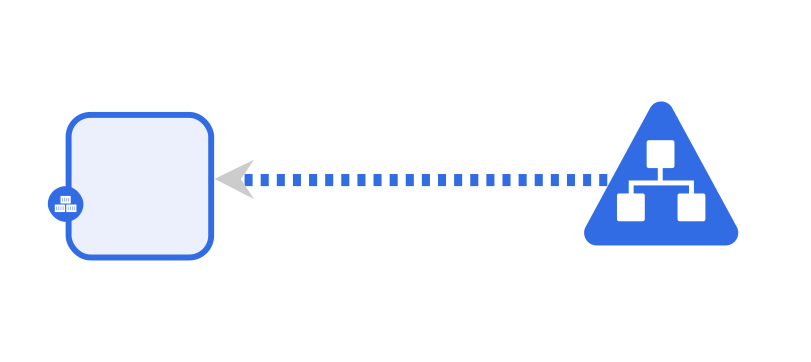
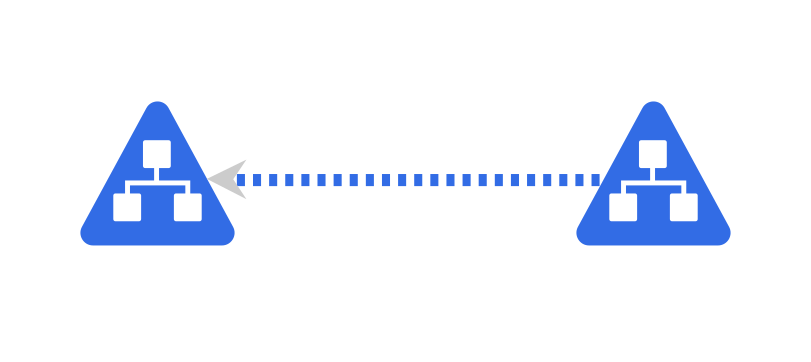
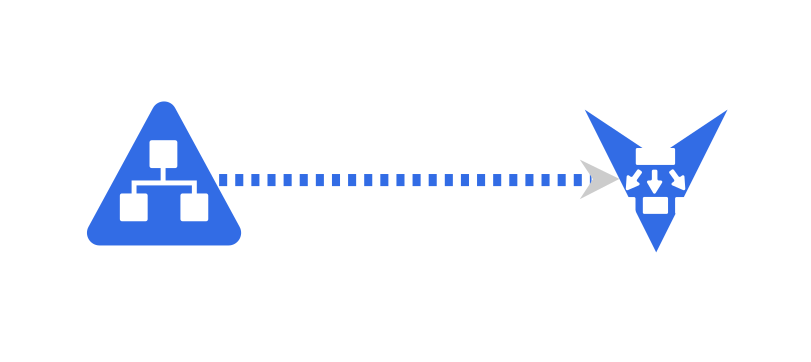
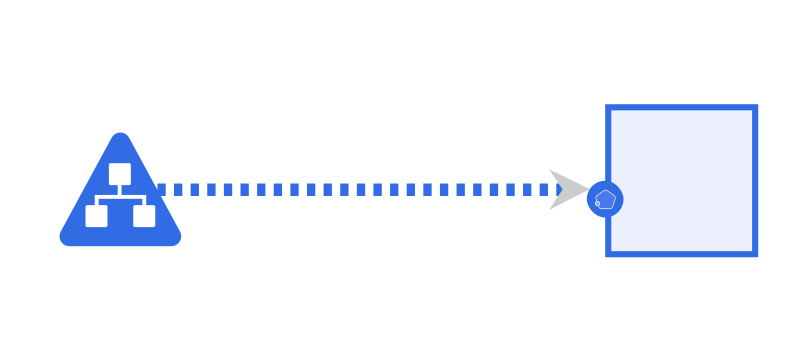
type:non-binding, subType: `Network`: Network Policy (Pod to Pod) (open in playground)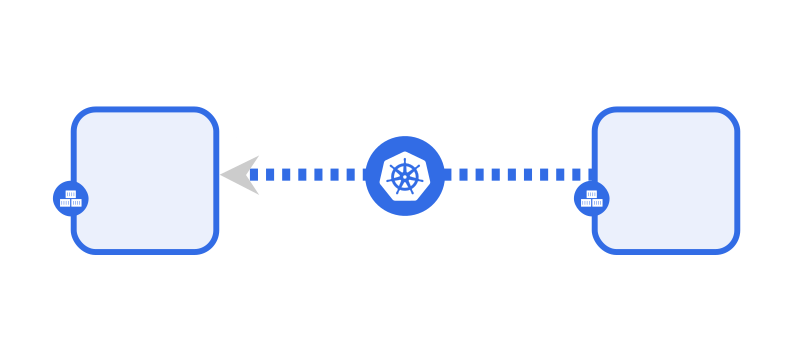
Once selected, note the relationship’s kind, type, and subType. If an existing visualization does not seem appropriate, propose a new one. Use the whiteboard feature of Meshery’s extensions to sketch the relationship.
Development
3. Create a Relationship Definition as a JSON file
Create a relationship definition as a JSON file, placing this new definition file into its respective model folder (see Contributing to Models). A model may include any number of relationship definitions. Filename convention: {kind}-{type}-{subType}-<suffix>.json.
Include:
schemaVersion:relationships.meshery.io/v1beta3is the authoring target, but declarev1beta2for definitions that must register on current servers (see the note at the top of this page). Keepv1beta2when refining an existing in-tree file unless you are deliberately migrating it.kind: The genre of relationship (hierarchical,edge,sibling).type: The augmentative category (parent,binding,non-binding,sibling, …).subType: The specific visual paradigm (inventory,mount,network,wallet,reference,matchlabels, …).selectors: The scope of the relationship. One selector-set item is an OR. Inside an item, everyfromentry relates to everytoentry - a cross-product (AND).evaluationQuery: Deprecated. Set it to""as every in-tree definition does; the evaluation engine enters through the fixeddata.relationship_evaluation_policypackage and dispatches onkind/type/subType.metadata.description: A characterization of the relationship, its purpose, and constraints.
Browse the existing relationships in the Meshery repository and the pedagogical examples in .agents/skills/gen-relationship/examples/. For a prior pull request as a template, see PR #9880.
4. Configuring the Scope of Relationships
The extent to which a relationship affects components within a model or beyond a model is defined and controlled using scopes.
Global Scope
Global scope is defined using the model attribute in the relationship definition.
Relationships can be confined to a specific model or allowed to affect all models. For example, if the model is specified as aws-ec2-controller, the relationship will work for those components that belong to the aws-ec2-controller model.
Local Scope
Local scope is defined and controlled via selectors in the relationship definition.
Relationship selectors refine applicability. Selector details determine whether there is a match: which models and components are involved, and any constraints. Selector items combine with AND. Selector sets (the selectors array) combine with OR.
Selectors are an array. Each entry has allow and optional deny, each with from and to. Only components inside the same selector-set item relate to each other: each object in from relates to each object in to.
When many from/to combinations would otherwise force a complicated deny, split them into additional selector-set items.
Note: When defining Hierarchical relationships, the from field represents the child component, while the to field represents the parent component.
Actions: mutatorRef and mutatedRef
Patches copy values from one component to another when the selector matches. Both fields are nested arrays of string path segments (string[][]). Sequence length must match: index i of mutatorRef is copied onto index i of mutatedRef.
"mutatorRef": [["config", "url"], ["config", "name"]],
"mutatedRef": [["configPatch", "value"], ["name"]]
[config, url] is patched onto [configPatch, value]; [config, name] onto [name].
| Field | Role |
|---|---|
mutatorRef | Source. JSON path of the value to read. |
mutatedRef | Sink. Path segments of the field to patch. |
patchStrategy | How to apply. Schema enum: merge, strategic, add, remove, replace, copy, move, test. The in-tree corpus and the evaluation engine use replace exclusively; default to replace unless you need different semantics. |
Paths are relative to the Meshery component document (configuration, displayName, component.kind, …), not the raw Kubernetes YAML root. _ may mark only the first array position in a path; later arrays need an explicit index. Omit patch when the relationship only matches (tagsets, annotation).
Relationship Selector Example
"selectors": [
  {
    "allow": {
      "from": [
        {
          "kind": "WASMFilter",
          "model": { "name": "meshery-core" },
          "patch": {
            "patchStrategy": "replace",
            "mutatorRef": [
              ["configuration", "config"]
            ]
          }
        }
      ],
      "to": [
        {
          "kind": "EnvoyFilter",
          "model": { "name": "istio-base" },
          "patch": {
            "patchStrategy": "replace",
            "mutatedRef": [
              ["configuration", "spec", "configPatches", "_", "patch", "value"]
            ]
          }
        }
      ]
    },
    "deny": {
      "from": [],
      "to": []
    }
  },
  {
    "allow": {
      "from": [
        {
          "kind": "ConfigMap",
          "model": { "name": "kubernetes" },
          "patch": {
            "patchStrategy": "replace",
            "mutatorRef": [
              ["configuration", "metadata", "name"]
            ]
          }
        }
      ],
      "to": [
        {
          "kind": "Deployment",
          "model": { "name": "kubernetes" },
          "patch": {
            "patchStrategy": "replace",
            "mutatedRef": [
              ["configuration", "spec", "template", "spec", "containers", "_", "envFrom", "0", "configMapRef", "name"]
            ]
          }
        }
      ]
    },
    "deny": {
      "from": [],
      "to": []
    }
  }
]
The first selector-set item (WASMFilter → EnvoyFilter) is independent of the second (ConfigMap → Deployment). Use separate items when the pairs should not cross-match.
The WASMFilter example is hierarchical parent wallet (child config patched into the parent). The ConfigMap example is edge reference (a name pointer), not hierarchical inventory.
Understanding Relationship Policies and their Evaluation
Meshery evaluates designs with Open Policy Agent. The engine enters through the fixed policy package data.relationship_evaluation_policy and dispatches on each definition’s kind, type, and subType. The policies live under models/meshery-core/<version>/<definition-version>/policies/.
What value should evaluationQuery carry?
An empty string. The property is deprecated (see the schema’s deprecation notice) and the current engine ignores it; every in-tree definition sets "". The historical per-relationship rule name was {kind}_{subType}_relationship — no {type} segment — and any value you do set must be a valid Rego identifier (letters, digits, underscores), so a hyphenated type such as non-binding can never appear in one.
Postwork
5. Relationship Authoring Best Practices and Considerations
General
- Use camelCase on the wire (
subType,mutatorRef,schemaVersion). - Author against
relationships.meshery.io/v1beta3(declarev1beta2while current servers require it - see the top of this page). Do not usecore.meshery.io/v1alpha2orv1beta1.
Scoping
- To apply a relationship across models, set the selector
model.nameto*. To limit it to one model, specify that model name (case sensitive). - Absence of a selector property is interpreted as the wildcard
*. - Values for
kind,version, andmodelare case-sensitive.
Actions
- If a
mutatedRef/mutatorRefpath contains more than one array, only the first array position may be_; later arrays must be an explicit index (0,1, …). mutatedRefcurrently does not support patching an array value itself.- Pair every mutator path with a mutated path. Do not swap source and sink.
- Verify each path against the component schema in
models/<model>/.../components/<Kind>.json.
Matching
- Targets of a Relationship can be specific Components or entire Models.
- Leave
evaluationQueryempty (""); evaluation dispatches onkind,type, andsubType. metadata.isAnnotation: truemeans Meshery must not evaluate or patch the relationship.
Conflicts
- Ensure
denyselectors andallowselectors do not overlap for the same pair. - In the event of conflicting Relationship Definitions, the union between them is taken.
- If we have two Relationships, one from (Component A) to (Component B and Component F), and another from (Component A) to (Component B and Component C), then it is similar to having a Relationship from Component A to Component B, C and F.
- No relationship kind is inherently more important than another.
Schema Conformance
Every mutatorRef/mutatedRef path rooted at configuration. must resolve against the JSON schema of the component it addresses (models/<model>/<version>/v1.0.0/components/<Kind>.json). For a selector item belonging to the relationship’s own model, that is the schema shipped in the same model version directory as the definition; for a selector item that references a different model - as a cross-model edge does - it is the schema in that model’s newest version directory. A path that names a field the component schema does not define is written by the evaluation engine but never reaches the rendered resource - the defect behind #21482, where an Ingress relationship patched the pre-1.22 backend.serviceName shape into a networking.k8s.io/v1 component.
- Exemptions. The
configuration.metadatasubtree and paths rooted atdisplayNameorcomponentare not checked: component schemas describe the resource’sspec, not its ObjectMeta or the Meshery component envelope. - Where it runs.
server/policies/relationship_schema_conformance_test.go, executed by the policies test workflow on every change undermodels/**. - When it fails, fix the path. The
knownUnresolvedMutationPathsallowlist exists only for known pre-existing defects, and cites the open follow-up issue tracking their repair (#21490). An allowlisted entry must keep failing, so repairing one of those definitions means deleting its line in the same pull request.
6. Contribute your relationship to the Meshery project
Submit a pull request to the Meshery repository with your new relationship definition, so that all users can benefit from the relationship(s) you have defined.
Keeping your relationship definition in a separate file allows for easier management and review of the relationship(s) you have defined.
Alternatively, if you would like to keep the relationship definition private, you can bundle your relationship(s) in a custom model and import the custom model into your Meshery deployment. Your private relationship definition(s) will be registered in your Meshery Server’s registry and available for use within your Meshery deployment.
For more information refer - Model - Construct Models in Meshery