# mesheryctl-design-deploy
LLMS index: [llms.txt](/llms.txt)
---
# mesheryctl design deploy
Deploy design
## Synopsis
Command will trigger deploy of design.
mesheryctl design deploy [flags]
## Examples
Deploy design by providing file path
mesheryctl design deploy -f [filepath] -s [source type]
## Options
  -f, --file string          Path to design file
  -h, --help                 help for deploy
      --skip-save            Skip saving a design
  -s, --source-type string   Type of source file (ex. manifest / compose / helm)
## Options inherited from parent commands
      --config string   path to config file (default "~/.meshery/config.yaml")
  -t, --token string    Path to token file default from current context
  -v, --verbose         verbose output
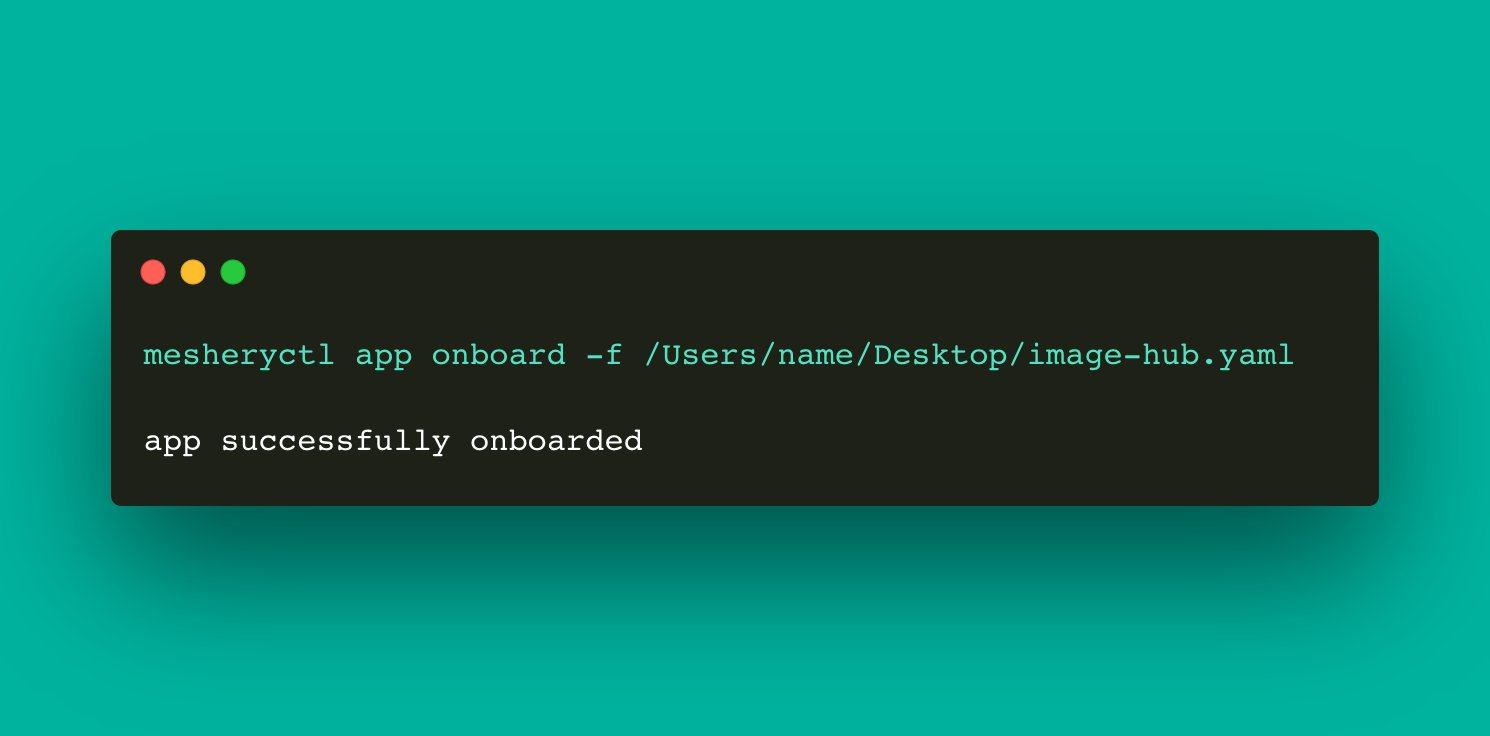
## Screenshots
Usage of mesheryctl design deploy
## See Also
Go back to [command reference index](/reference/mesheryctl/), if you want to add content manually to the CLI documentation, please refer to the [instruction](/project/contributing/cli/cli/#documenting) for guidance.