# mesheryctl-perf-apply
LLMS index: [llms.txt](/llms.txt)
---
# mesheryctl perf apply
Run a Performance test
## Synopsis
Run Performance test using existing profiles or using flags.
mesheryctl perf apply [profile-name] [flags]
## Examples
Execute a Performance test with the specified performance profile
mesheryctl perf apply meshery-profile [flags]
Execute a Performance test with creating a new performance profile
mesheryctl perf apply meshery-profile-new --url "https://google.com"
Execute a Performance test creating a new performance profile and pass certificate to be used
mesheryctl perf apply meshery-profile-new --url "https://google.com" --cert-path path/to/cert.pem
Execute a performance profile without using the certificate present in the profile
mesheryctl perf apply meshery-profile --url "https://google.com" --disable-cert
Run Performance test using SMP compatible test configuration
If the profile already exists, the test will be run overriding the values with the ones provided in the configuration file
mesheryctl perf apply meshery-profile -f path/to/perf-config.yaml
Run performance test using SMP compatible test configuration and override values with flags
mesheryctl perf apply meshery-profile -f path/to/perf-config.yaml [flags]
Execute a Performance test with specified queries per second
mesheryctl perf apply meshery-profile --url https://192.168.1.15/productpage --qps 30
Execute a Performance test with specified infrastructure
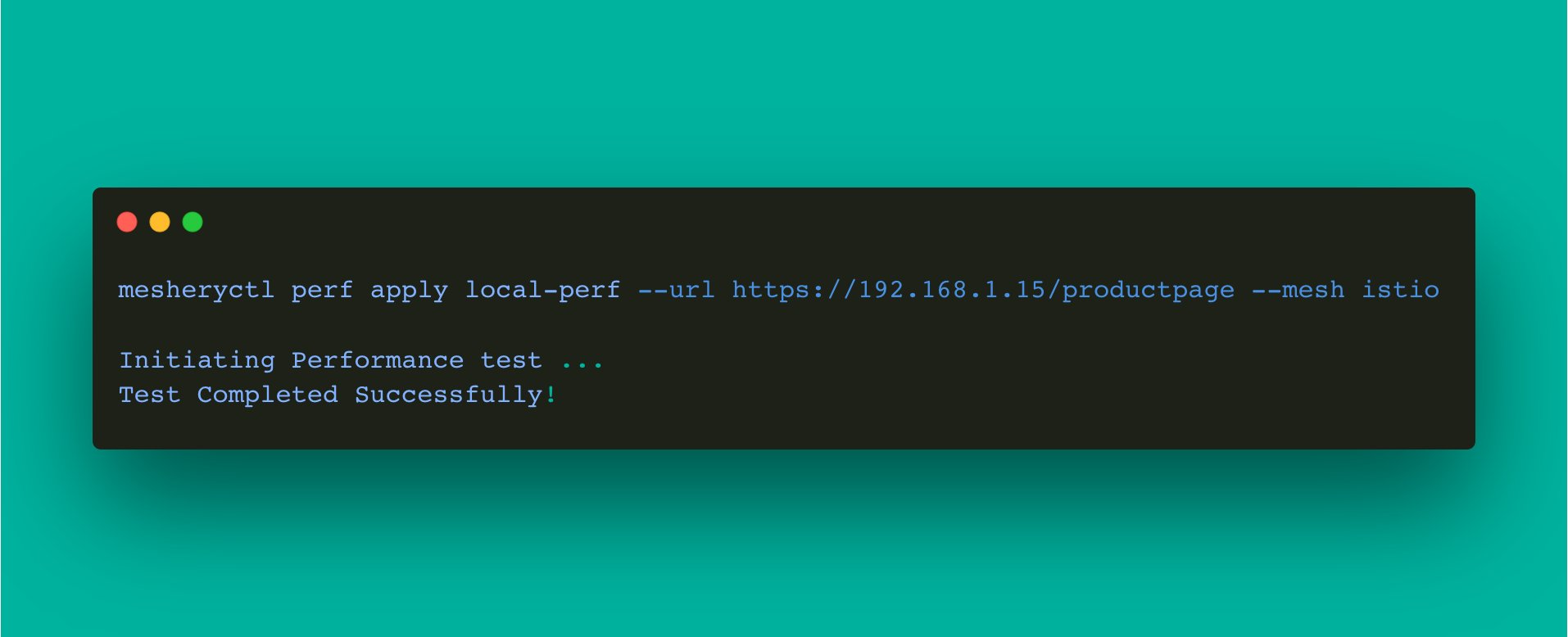
mesheryctl perf apply meshery-profile --url https://192.168.1.15/productpage --mesh istio
Execute a Performance test creating a new performance profile and pass options to the load generator used
If any options are already present in the profile or passed through flags, the --options flag will take precedence over the profile and flag options
Options for fortio - https://github.com/fortio/fortio/blob/v1.57.0/fhttp/httprunner.go#L77-L84
mesheryctl perf apply meshery-profile-new --url "https://google.com" --options [filepath|json-string]
mesheryctl perf apply meshery-profile-new --url "https://google.com" --options path/to/options.json
mesheryctl perf apply meshery-profile-new --url "https://google.com" --load-generator fortio --options '{"MethodOverride": "POST"}'
## Options
  -b, --body string                  (optional) Load test body. Can be a filepath/string
      --cert-path string             (optional) Path to the certificate to be used for the load test
      --concurrent-requests string   (optional) Number of Parallel Requests
      --disable-cert                 (optional) Do not use certificate present in the profile
      --duration string              (optional) Length of test (e.g. 10s, 5m, 2h). For more, see https://golang.org/pkg/time/#ParseDuration
  -f, --file string                  (optional) File containing SMP-compatible test configuration. For more, see https://smp-spec.io
  -h, --help                         help for apply
      --load-generator string        (optional) Load-Generator to be used (fortio)
      --mesh string                  (optional) Name of the infrastructure
      --name string                  (optional) Name of the Test
      --options string               (optional) Additional options to be passed to the load generator. Can be a json string or a filepath containing json
      --qps string                   (optional) Queries per second
      --url string                   (optional) Endpoint URL to test (required with --profile)
## Options inherited from parent commands
      --config string          path to config file (default "~/.meshery/config.yaml")
  -o, --output-format string   (optional) format to display in [json|yaml]
  -t, --token string           (required) Path to meshery auth config
  -v, --verbose                verbose output
  -y, --yes                    (optional) assume yes for user interactive prompts.
## Screenshots
Usage of mesheryctl perf apply
## See Also
Go back to [command reference index](/reference/mesheryctl/), if you want to add content manually to the CLI documentation, please refer to the [instruction](/project/contributing/cli/cli/#documenting) for guidance.