# mesheryctl-system-context-view
LLMS index: [llms.txt](/llms.txt)
---
# mesheryctl system context view
Display the current Meshery CLI configuration context
## Synopsis
Display the current Meshery CLI context configuration.
This command shows which Kubernetes cluster, platform, and provider Meshery is configured to communicate with.
Use this to verify or debug your current CLI settings.
mesheryctl system context view [context-name | --context context-name | --all] --flags [flags]
## Examples
View the default context
mesheryctl system context view
View a specified context
mesheryctl system context view context-name
View a specified context using the --context flag
mesheryctl system context view --context context-name
View configuration of all contexts
mesheryctl system context view --all
## Options
      --all              Show configs for all of the context
  -c, --context string   Show config for the context
  -h, --help             help for view
## Options inherited from parent commands
      --config string   path to config file (default "~/.meshery/config.yaml")
  -v, --verbose         verbose output
  -y, --yes             (optional) assume yes for user interactive prompts.
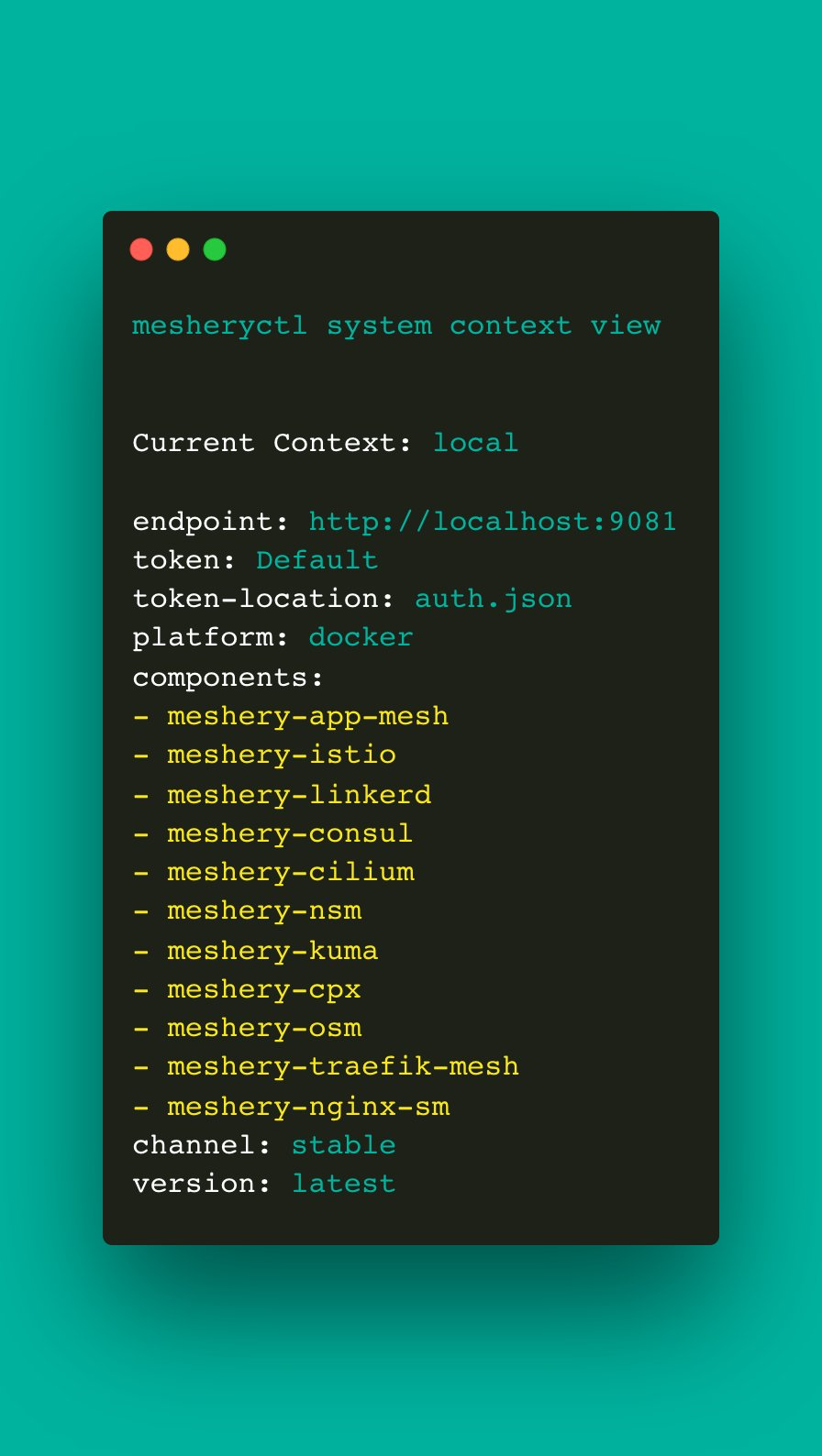
## Screenshots
Usage of mesheryctl context view
## See Also
Go back to [command reference index](/reference/mesheryctl/), if you want to add content manually to the CLI documentation, please refer to the [instruction](/project/contributing/cli/cli/#documenting) for guidance.